A quiet home for your BOOX Go 10.3.
A launcher that shows what you read, write and still have to do. Notes that behave like reMarkable. Meetings recorded from any app, transcribed and summarised by your own Mac. Nothing in the cloud that you did not choose.
Features
Made for e-ink, not adapted to it.
Every screen pages instead of scrolling, nothing animates, and every control is a black line on white — never a dark block the panel has to flash.
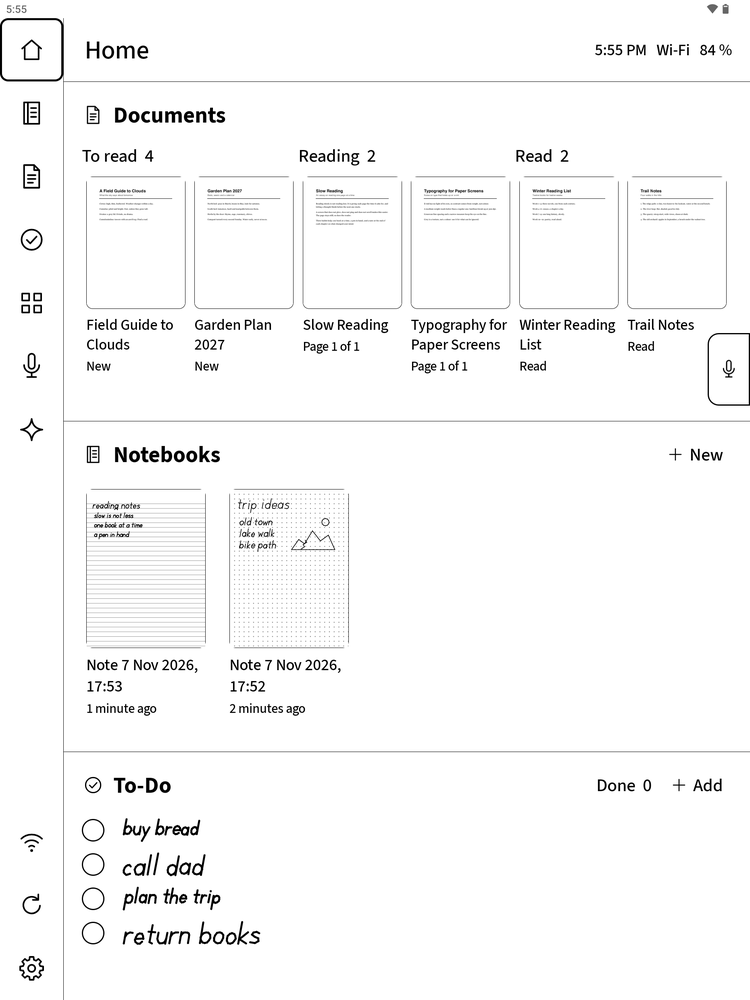
Home that reads your day
Documents in three folders — To read, Reading, Read — your recent notebooks, and a handwritten To-Do list, in the order you use them.
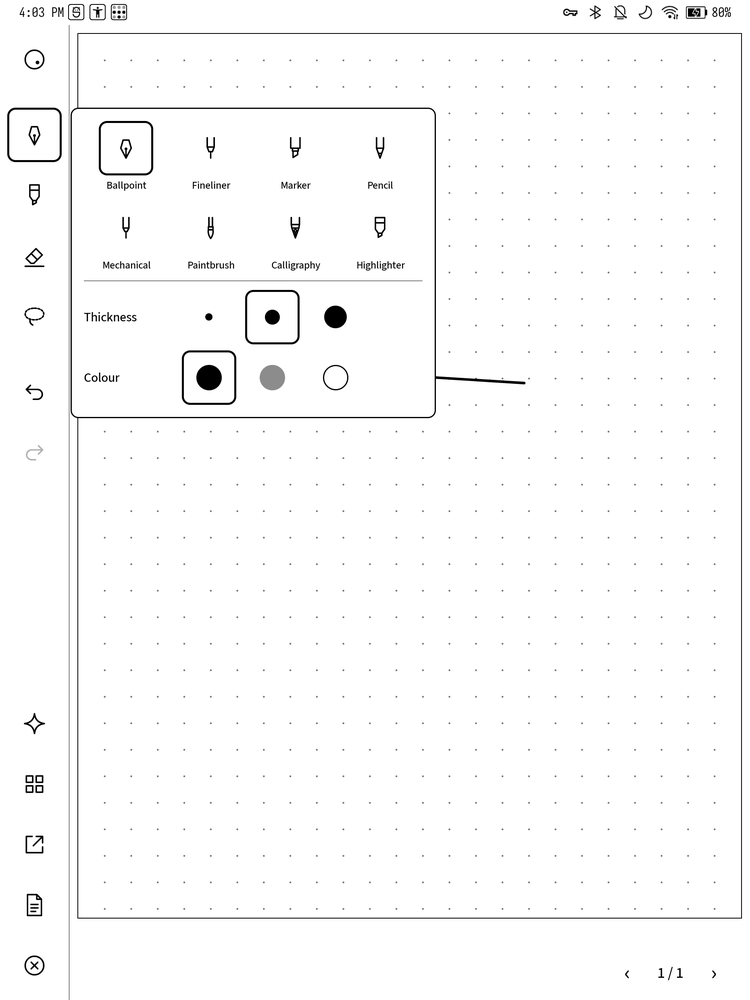
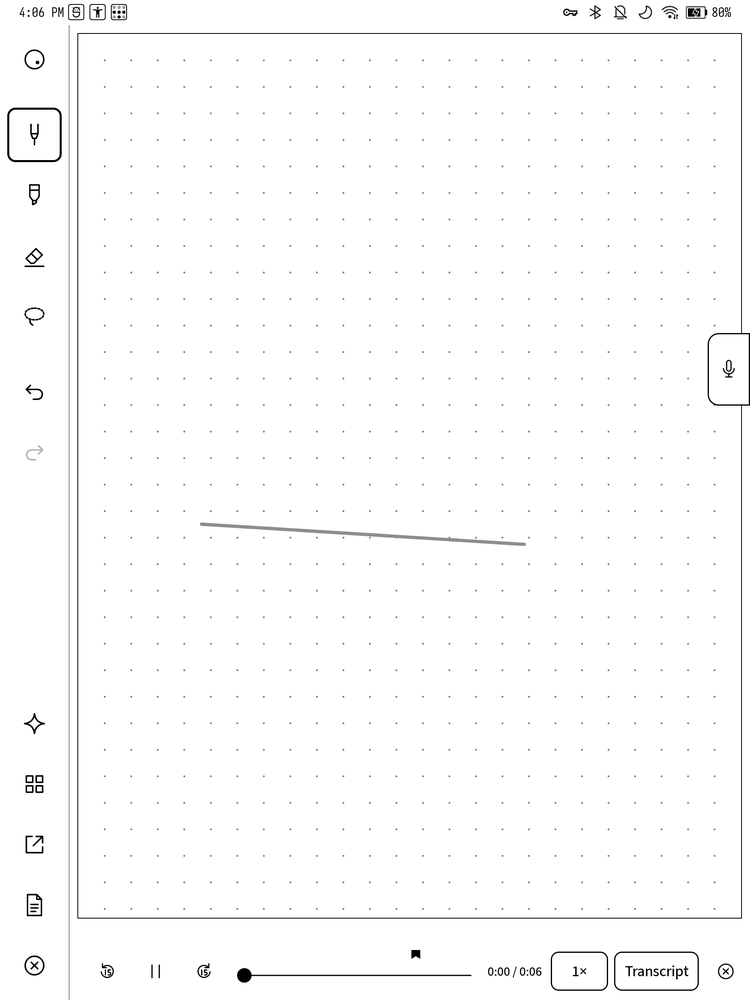
Notes like reMarkable
Eight pens in three thicknesses, an eraser that rubs out only what it touches, lasso, undo, templates, page overview and PDF export. The pen is BOOX's own, with its low latency.
A PDF reader that keeps your ink
Write on any PDF. The file is never changed; your ink lives beside it. At the last page it asks whether you have finished, and moves it to Read.
Record from any app
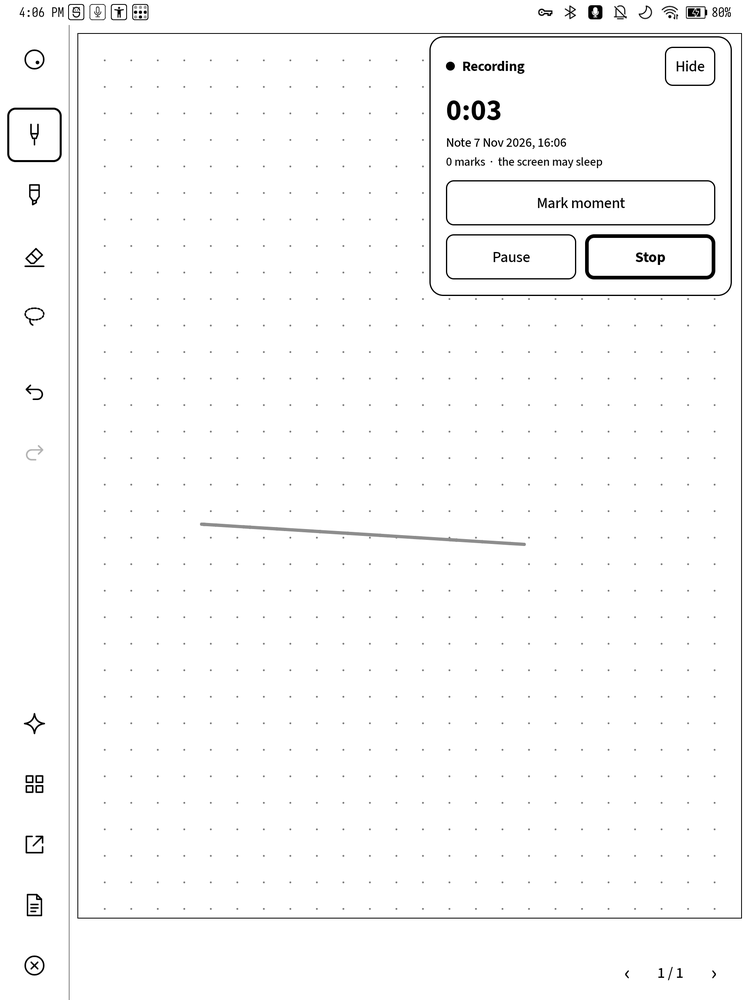
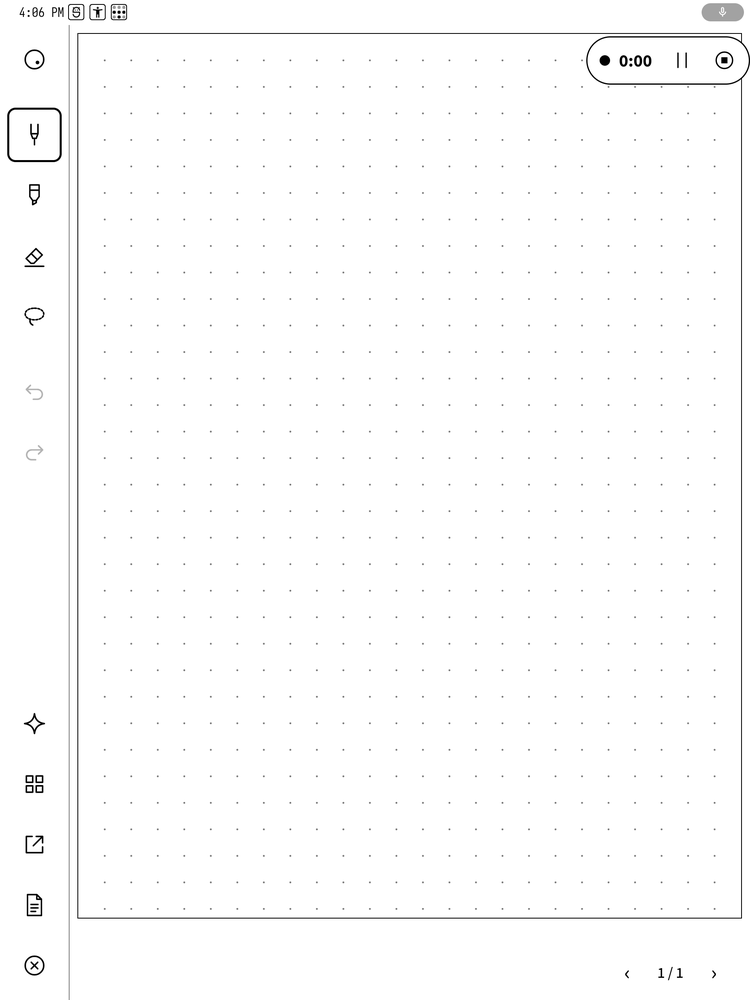
A small microphone tab on the screen's edge, everywhere. Record into the notebook or PDF you have open, mark moments, pause, stop.
Ink tied to the audio
Every stroke written while recording knows when it was written. Tap a word you wrote and hear what was being said.
Ask Claude
Ask about the page you are reading, type a question, or write it by hand. The answer comes back to the BOOX.
Handwritten tasks in SilentList
Write a task on its line; it appears in SilentList as text, in its own list Boox. Tick it on either side.
Send to BOOX
Share a PDF from Mail, Files or Safari on your iPhone, iPad or Mac, and it lands in To read on the BOOX. How to add it
Fully reversible
No root. The BOOX's own launcher stays installed as the way back, and the uninstaller restores everything the installer changed.
How it works
Your BOOX writes. Your Mac thinks.
Transcribing an hour of speech and asking Claude are too much for an e-ink tablet, so SilentInk hands them to a small service on your own Mac — the bridge.
The bridge runs Whisper locally on Apple Silicon to turn recordings into text, and Claude Code, signed in with your own Claude subscription, to summarise them and answer your questions. No API key, no extra bill.
The BOOX reaches your Mac through Tailscale, a private network between your own devices, so it works at home and away. When the Mac is asleep, recordings and questions simply wait on the BOOX and go when it wakes.
What leaves your devices
- Audio — never. It goes from the BOOX to your Mac and is transcribed there.
- Text — the transcript, your question or the page you ask about goes to Claude under your own account.
- Tasks — the picture of a handwritten line is read by Claude on your Mac; the text goes to SilentList, which syncs through your iCloud.
- Nothing else — no analytics, no account with us.